Blog
From Magalhães to CachyOS: A Decade of Linux Desktop Evolution
Documenting my transition through various Linux distros, detailing hardware challenges and the shift to Proton gaming.
The Magalhães Netbook
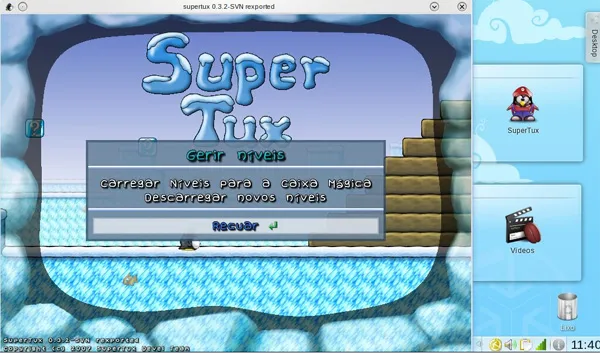
If you were a Portuguese kid born in the 2000s, it’s highly possible that your first experience with Linux was with a plastic, bulky, humble netbook called the ‘Magalhães’. You probably didn’t even know that you were using Linux while you were busy playing SuperTux.
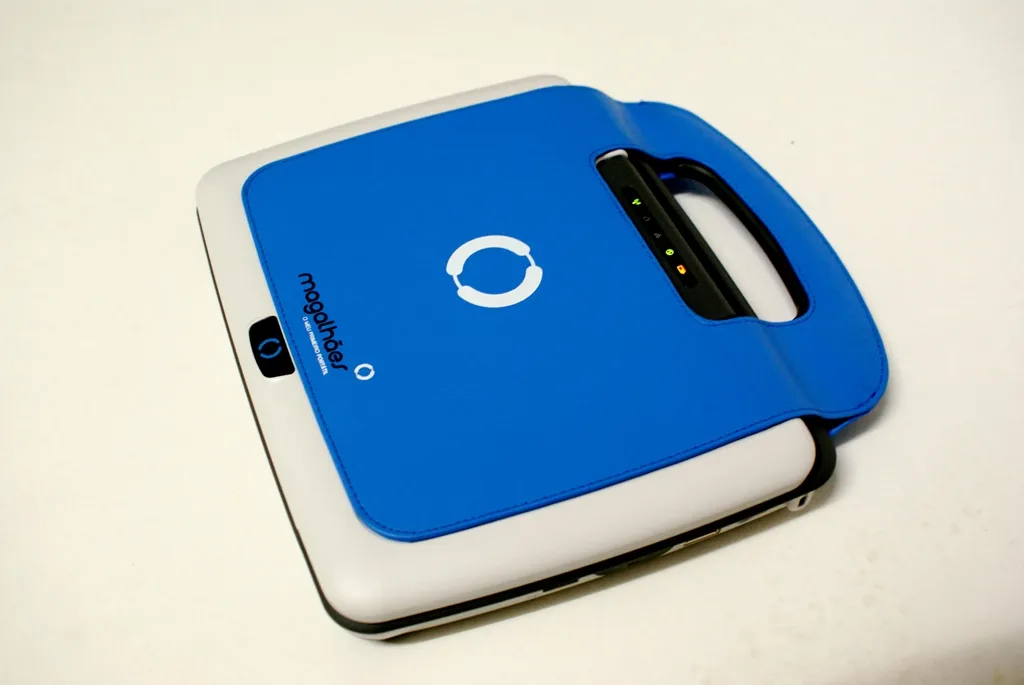
That computer was a project backed by the Portuguese government to make an accessible computer for kids who were starting their studies, helping them grow used to computers and IT.
It ran Caixa Mágica, a Portuguese distro created specifically for schools and public administration. At the beginning, it was based on SUSE, then it shifted first to Mandriva, and finally to Ubuntu.
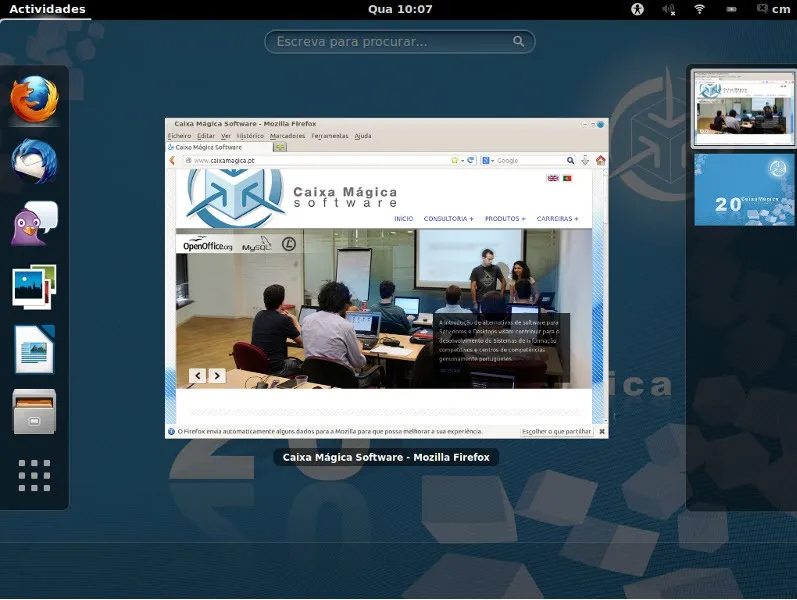
I don’t remember much about using it myself, but I know that my older brother tried it out because Windows XP was running incredibly slow on that hardware.
Installing Ubuntu 12.04
The first time I actively installed a Linux distro was when Ubuntu 12.04 was released. It shipped with Unity (who still misses Unity?) for the very first time in an LTS release. I installed it because my desktop computer was honestly no better than the Magalhães itself. I remembered Caixa Mágica and decided to research Linux.
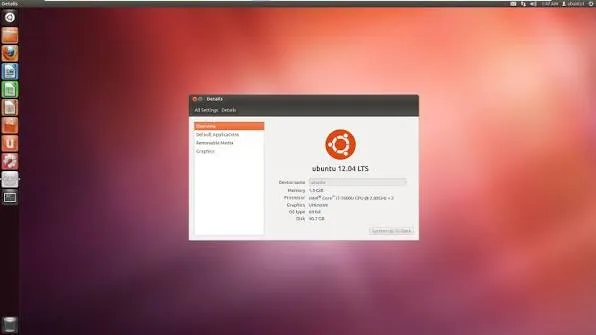
Besides Ubuntu, I learned the concept of a “distro” and discovered that Linux wasn’t a single OS, but rather a kernel. The experience itself was surprisingly good. At that time, my main usage was simply watching YouTube videos.
This was also my initial contact with a terminal. Back then—and as most people still do on Windows—installing software for me was a blind process of clicking Next -> Next -> Finish just to get half a software and a whole new virus. Typing sudo apt install felt like absolute magic to me.
Hardware, Software, and Going Back to Windows
The main problems that made me shift back to Windows were the exact same problems every new Linux user faced at that time: hardware support (which was just starting to get better) and, crucially, software support. It wasn’t just about the existence of the software, but the actual quality of the Linux ports.
In my case, I wanted to chat with my friends on Skype, play video games, and, during my YouTuber phase, record gameplay, edit it, and post it on YouTube. For this specific use case, the only thing that was possible without major headaches was playing Minecraft, simply because it ran on Java.
Skype was already bad on Windows, but it was way worse on Linux. Recording software on Linux was absolute sh*t until OBS started to get popular (and to be fair, OBS eventually replaced every other recording software on Windows too because it was just that good). Playing other video games besides Minecraft was simply not an option.
From 2012 to 2018, I only used Linux when Ubuntu released a new LTS or when a cool new distro caught my eye. But the cycle was always exactly the same:
- Wow, this is cool and pretty.
- It’s very lightweight for my PC.
- I can’t do the same activities I usually do.
- Let’s go back to Windows.
Finding Linux Mint and IT Classes
Eventually, I stopped playing video games because my PCs were never quite good enough to run them without problems. During one of those phases of trying out a cool new distro, I discovered Linux Mint.
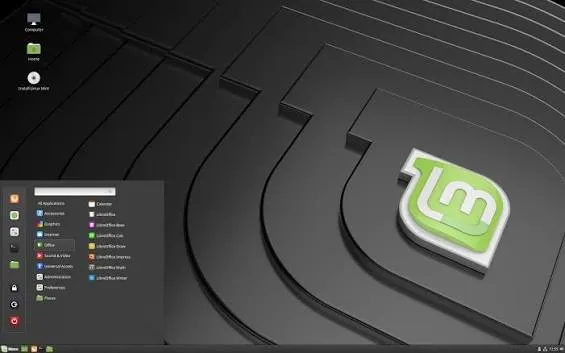
I installed it, and since my PC usage had shifted entirely to web browsing, using Google Docs, and basic tasks, the experience was fantastic. For the first time, I used Linux for a long period without running back to Windows.
When I finally got my first real gaming PC, I went back to Windows for some time—until I joined a technical training course on Operating Systems and Networking. Linux was, obviously, always present in my classes. Since I only had to use VMware and edit some documents, I brought Linux back to my main machine. Fedora 34 with GNOME 40 was my weapon of choice for this return.
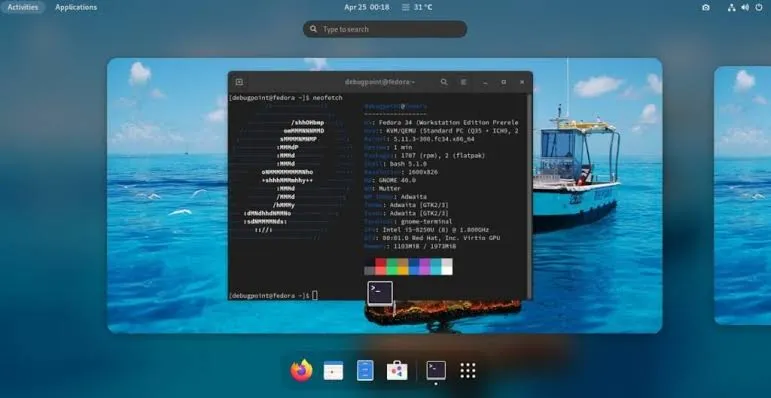
I not only fully returned to Linux, but I also didn’t stay long on Fedora… or on almost any other distro, for that matter. I got completely addicted to distro hopping.
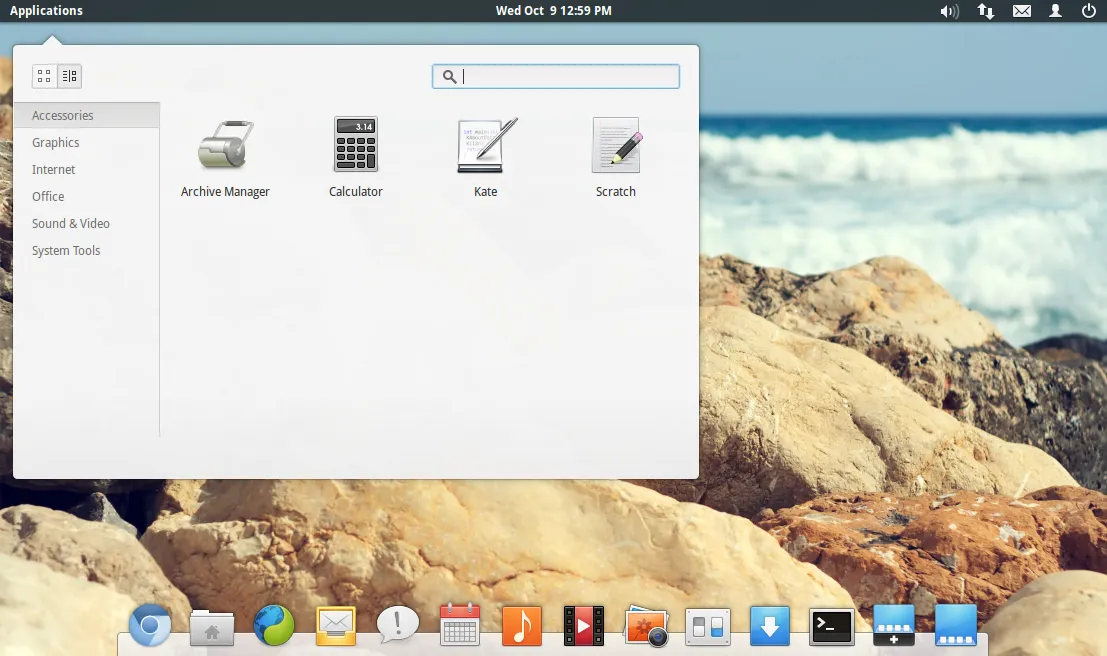
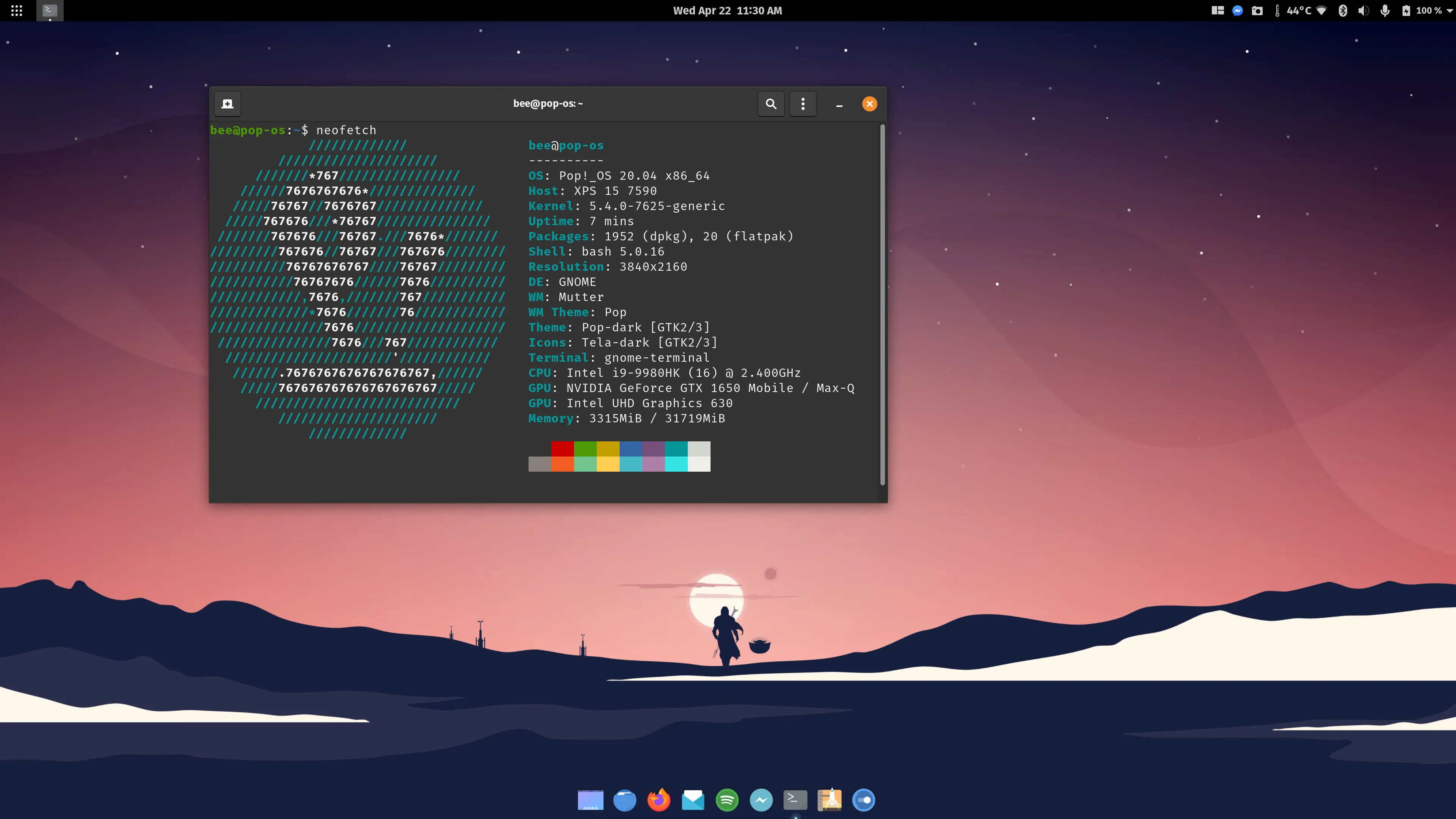
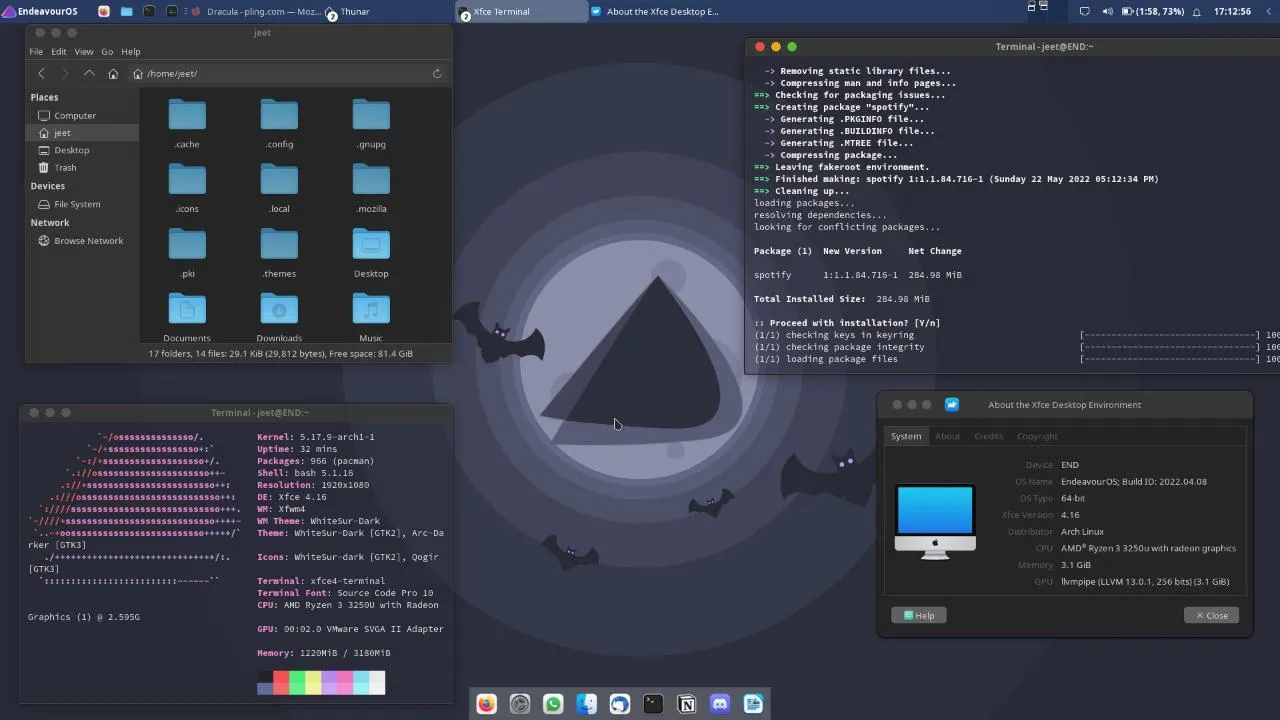
The great thing about that process is that I learned hands-on about Desktop Environments, GTK vs. Qt, the main distro families, rolling releases vs. point releases, filesystems, and more. I got to know a lot about Linux and open-source software, and I grew to truly love it. My networking training helped a lot because I had never explored the server side of Linux before, and I finally understood the massive importance of open-source software in the IT industry.
2021: Flatpak and Proton Change the Game
Jumping to 2021, everything was radically different from my previous experiences. Flatpaks were already mainstream, helping to create a universal standard for simple packaging across multiple Linux distros. NVIDIA support was finally good on X11 (Wayland had already arrived but didn’t work great for me on an NVIDIA setup at the time).
But what really made the ultimate difference for me was Proton for gaming. Developed by Valve as a compatibility layer based on WINE, it changed everything. With a simple click on Steam, you could install almost any game in your library and Proton would handle the translation from Windows to Linux behind the scenes. Obviously, it wasn’t perfect in every single case, but it was an unprecedented improvement.
Current Setup: Full AMD and CachyOS
Even with all these software improvements, my journey wasn’t entirely smooth sailing yet. During the period after my intense distro-hopping phase, I actually found myself bouncing back to Windows a few times. I had purchased a gaming laptop with an NVIDIA graphics card, and honestly, the experience with external monitors on Linux was just not good. If I stuck to the laptop’s single built-in monitor, I had some really good runs, but introducing external displays to that NVIDIA setup brought back the old headaches.
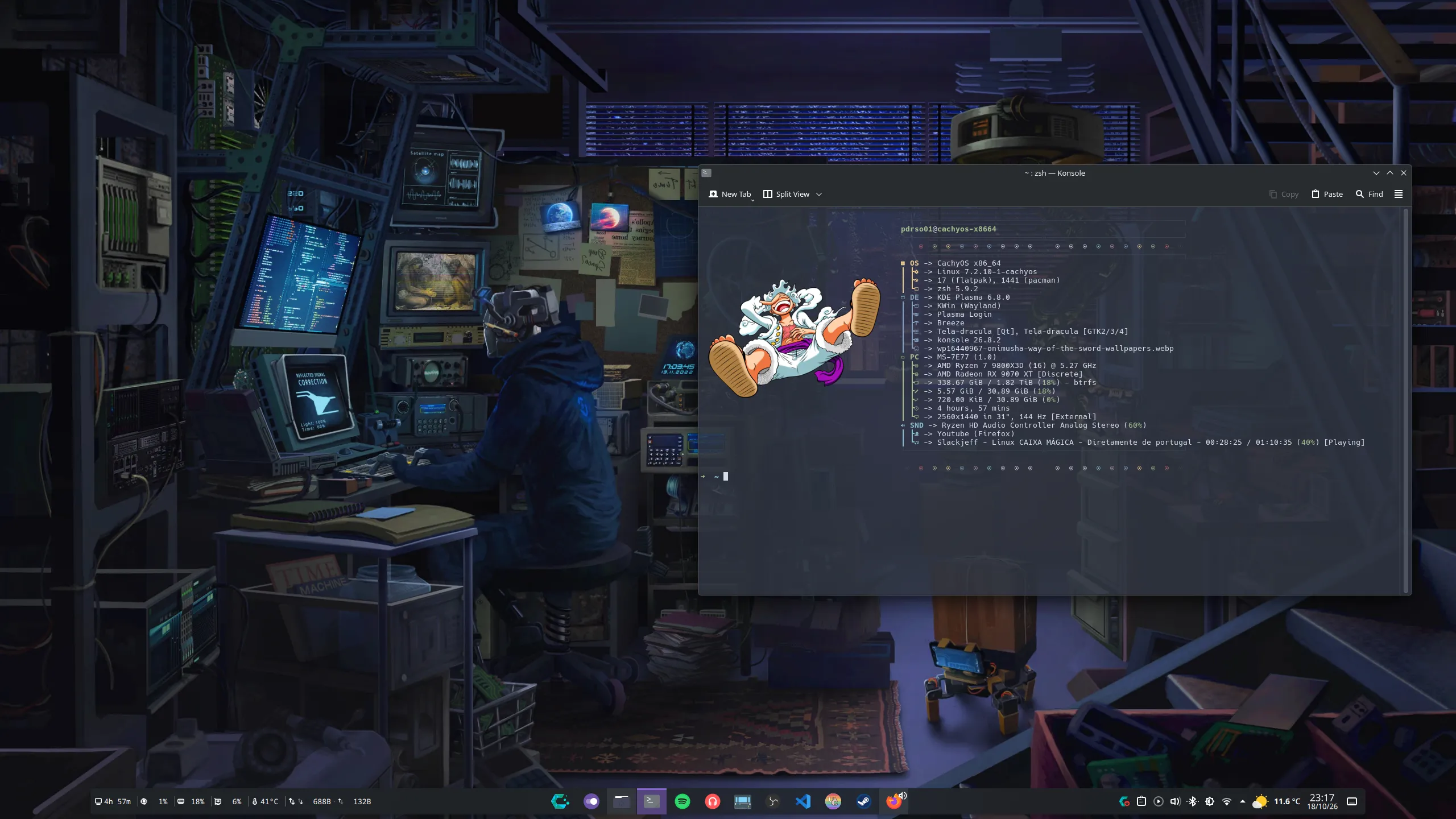
To finish this long journey, I have finally reached my ideal setup. Today, I have a desktop computer that is fully AMD, and I am running CachyOS with a single display.
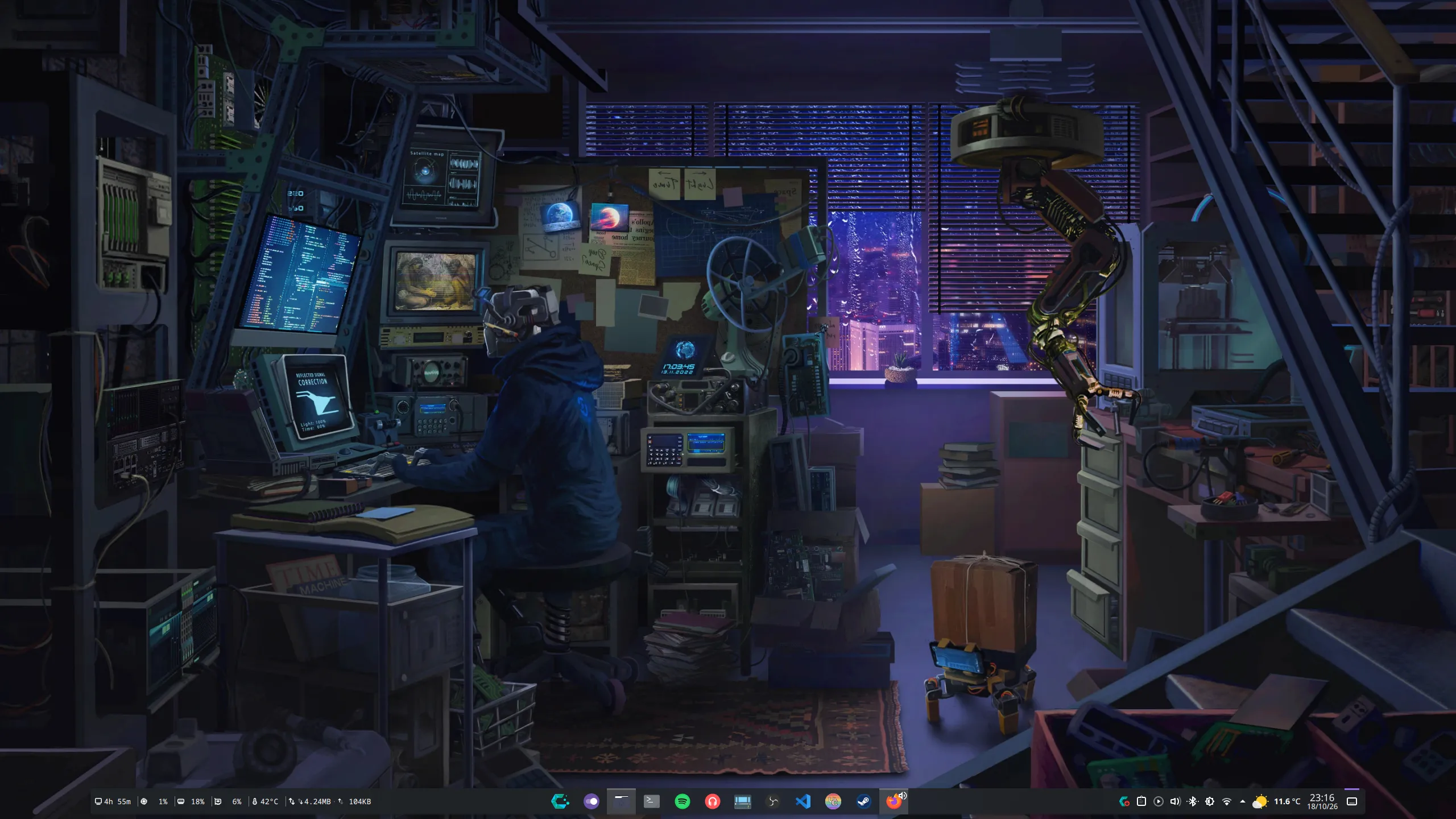
The experience is incredibly smooth, fast, and completely hassle-free.
Looking back from the days of a struggling Magalhães netbook to a modern, Arch-based AMD gaming rig, the evolution of the Linux desktop is nothing short of incredible. We went from “I can’t even run Skype” to having a seamless, high-performance daily driver. It took over a decade, but Linux finally became the only OS I need.